Feature
Templates and helpers
A template is HTML and CSS plus the syntax you already know. Whichever engine you pick, the helpers, the settings and the preview are the same, and the same tags also fill your own Word and PowerPoint files.
Free plan with 100 units a month, no credit card
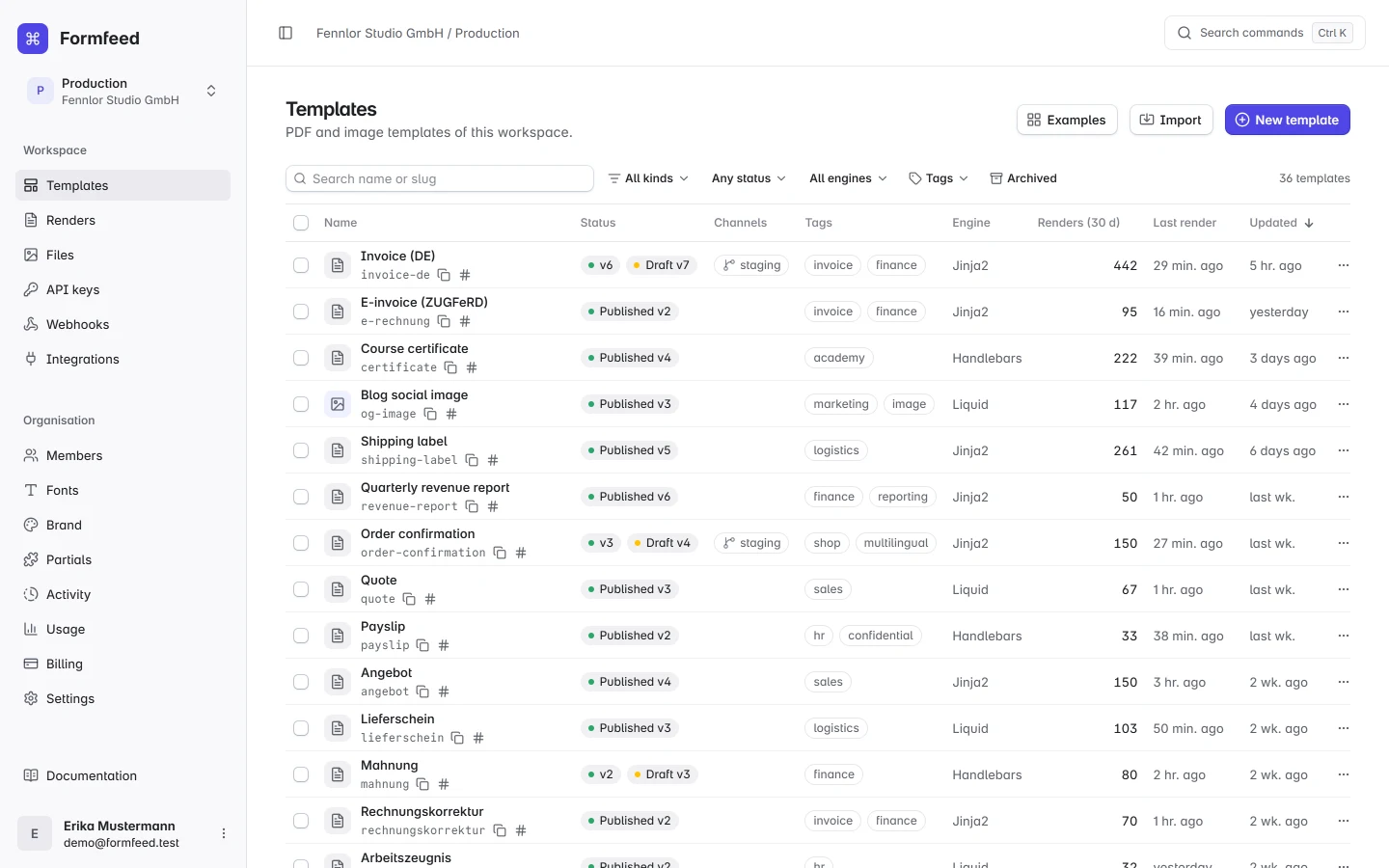
Three engines, one helper set
Coming from Python or a Jinja2-based service, pick Jinja2. Coming from Shopify or a Liquid-based service, pick Liquid. Building in JavaScript, pick Handlebars.
| Jinja2-compatible | Liquid | Handlebars | |
|---|---|---|---|
| Variable | {{ invoice.number }} | {{ invoice.number }} | {{invoice.number}} |
| Helper | {{ total | money("EUR") }} | {{ total | money: "EUR" }} | {{money total "EUR"}} |
| Loop | {% for l in lines %} | {% for l in lines %} | {{#each lines}} |
Helpers that cover documents
- Formatting. Money, numbers and dates follow the template locale, timezone and currency, with per-call overrides.
- Codes. QR codes, barcodes and the SEPA credit transfer code banking apps scan.
- Collections. Sum, average, group and sort in the template, so you can send raw rows.
- Charts. Bar, line, pie and doughnut charts drawn at render time from the request data.
- Translations. A dictionary per template turns one layout into every language you ship.
Print details that usually go wrong
Running headers and footers, page numbers, repeated table headers, page breaks that keep groups together, and paper sizes with per-side margins. The paged preview lays the pages out by the same rules, so most surprises show on screen before they reach a PDF.
Your fonts and your CSS
Upload font files once per organisation (Starter and above), and every HTML template whose CSS names the family renders with them, embedded in the PDF. With Tailwind switched on in a template, its classes are compiled at render time, and plain CSS works as it does in the browser, because rendering is Chromium. Logos, backgrounds and PDFs go into the file library once and are referenced by name.
Word and PowerPoint too
When a document already exists as a Word or PowerPoint file, type the same tags into it instead of rebuilding it in HTML. See Word and PowerPoint templates.