Feature
The visual editor for images
Open Graph cards and social images are layout work, not code. The canvas lets the people who design them place text and images where they belong, while every image still renders through the same API as your PDFs.
Free plan with 100 units a month, no credit card
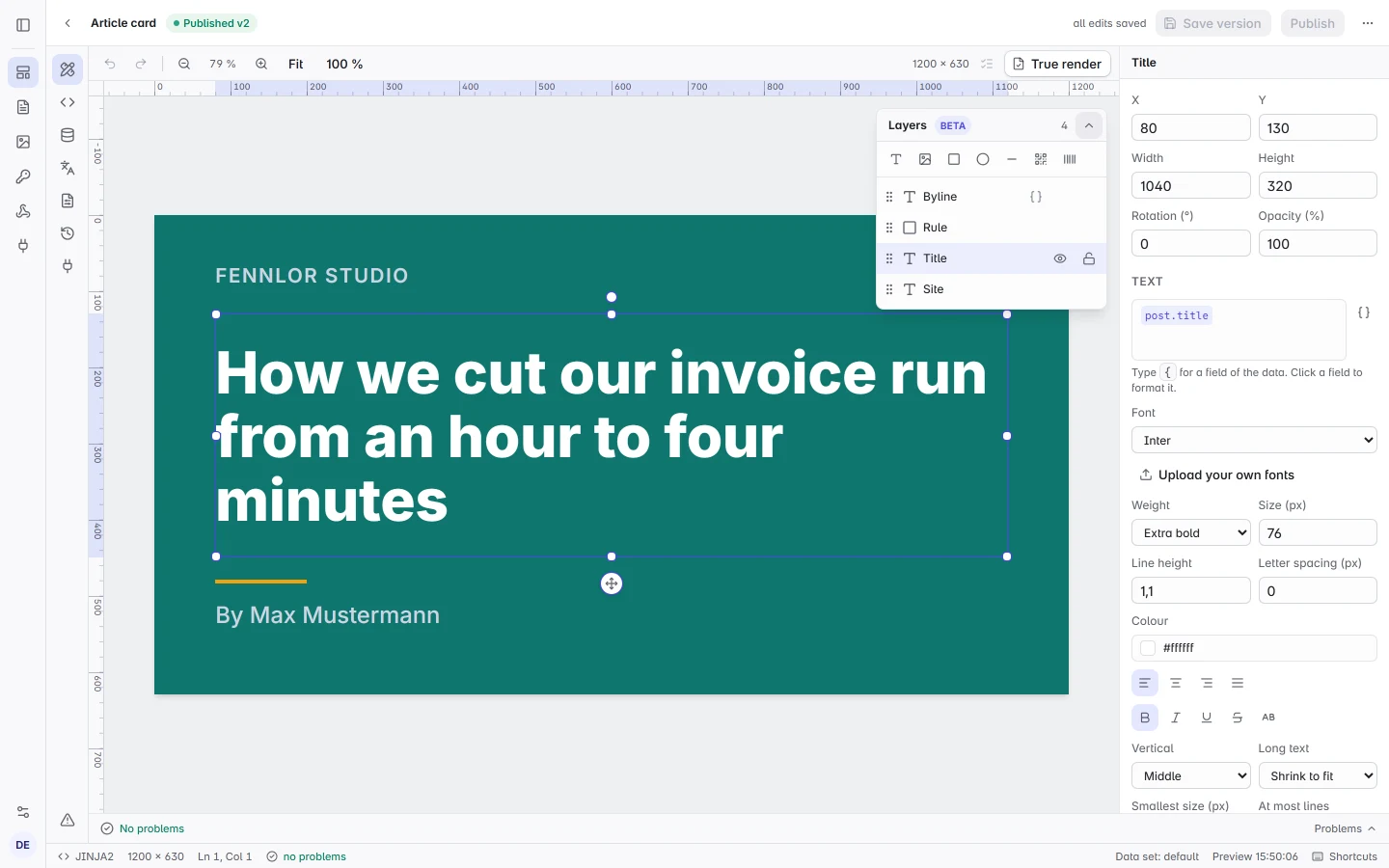
Layers on a canvas
Add text, images, rectangles, ellipses, lines, QR codes and barcodes, then move, resize and rotate them with snapping to the canvas, to each other and to guides you pull from the rulers. Undo, nudging with the arrow keys and a layer list you reorder by dragging are there from the start.
- Starters. An article card, a quote card and an event story with sample data, or a blank canvas in the size you need.
- Type in place. Double-click a text on the canvas and type; the change is one step to undo.
Text that comes from your data
Text layers hold fields of your data as chips, with formats for money, numbers, dates and capitals. Images come from the file library, a web address, a URL in the data or your brand logo, and a layer can show only when a field has a value. This request fills a template started from the Article card:
{
  "template": "article-card",
  "output": "png",
  "data": {
    "site": { "name": "Fennlor Studio" },
    "post": { "title": "How we cut our invoice run from an hour to four minutes", "author": "Max Mustermann" }
  }
}
Titles that fit their box
A title of varying length gets the largest size at which it fits, between its own size and a minimum you set. The preview and the render agree, and one click checks every data set and names each text it would cut off.
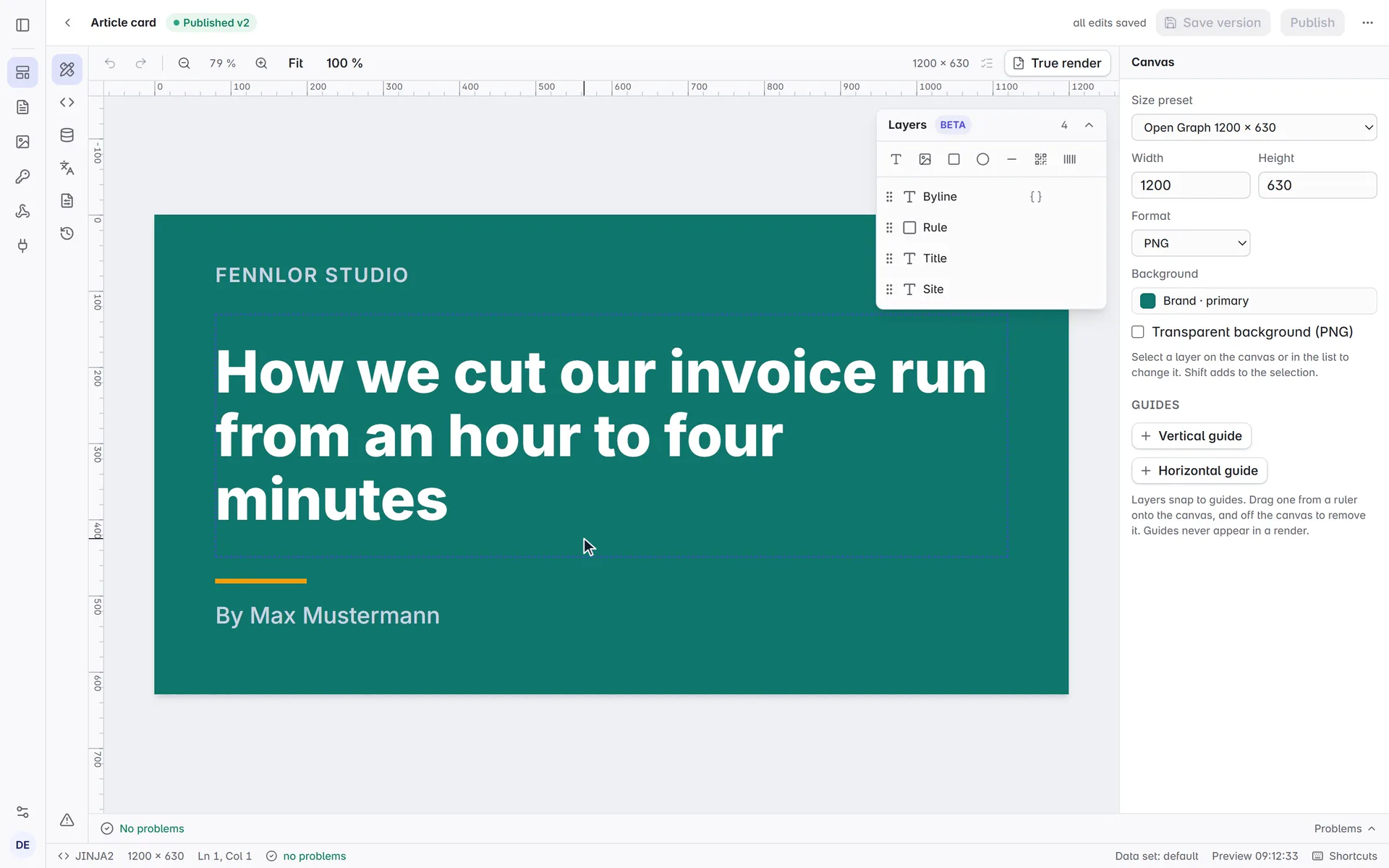
An ordinary template underneath
The canvas writes the template’s HTML and CSS as you work, so renders, the SDKs, the command line tool and the integrations see a normal template. Detach the design to edit the code by hand whenever you want; older versions keep their design.
- Brand kit. Brand colours stay linked to the kit, so a new brand colour recolours every layer that uses it; only a QR code keeps the colour it was drawn with.
- As files. The command line tool keeps the design in design.json next to template.html.
FAQ
- Which plans have it?
- Every plan. The canvas is in beta.
- Can I design PDFs with it?
- Not yet: the canvas is for image templates. PDF templates are written in the code editor with its building blocks, and their wording can be edited directly in the preview.
- What does an image cost?
- An image is one unit, however it was designed. Test renders are free.