PDF, e-invoice and image APIPDF, e-invoice and image API · rendered in Frankfurt, stored in the EU
Documents, automated.For developers and AI agents.
Turn templates and data into PDFs, images and Word files, and into ZUGFeRD e-invoices and accessible PDFs (PDF/UA-1) that are checked before they are delivered. From your code, the CLI, an AI agent over MCP, or Zapier, Make and n8n.
- Free plan: 100 documents a month (up to five pages each), no credit card
- Test renders are free on every plan
const render = await formfeed.renders.create({
  template: 'e-rechnung',
  data: { _invoice: invoice },
  post: { einvoice: { profile: 'en16931' } },
  settings: { pdf: { ua: true } },
});
const pdf = await formfeed.renders.download(render);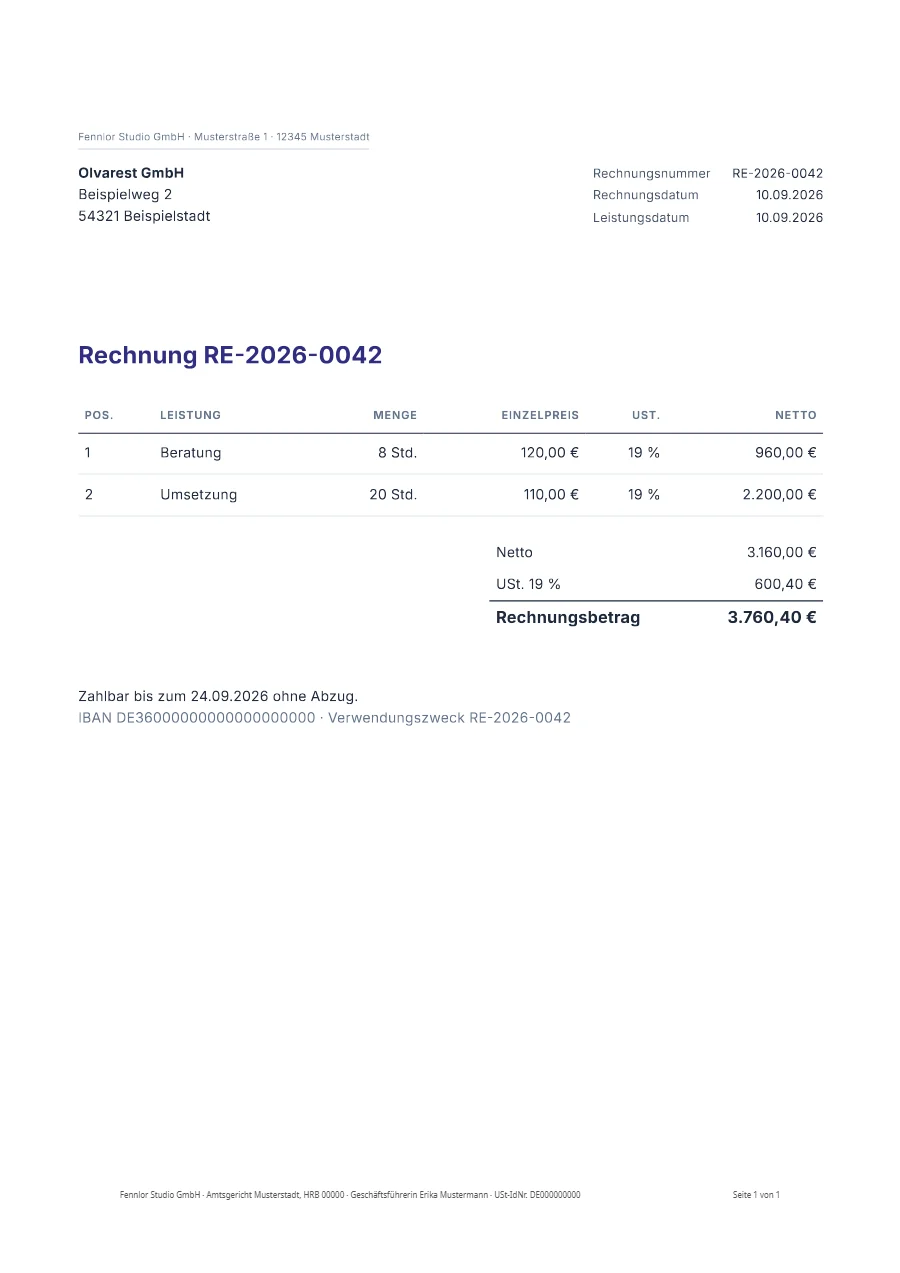
E-invoiceValid
rechnung-RE-2026-0042.pdf
- Rules of EN 16931: no finding
- PDF/A-3b: passed
- PDF/UA-1 (veraPDF): passed
- factur-x.xml inside
TemplateDataDocument
A template, your data, one call.
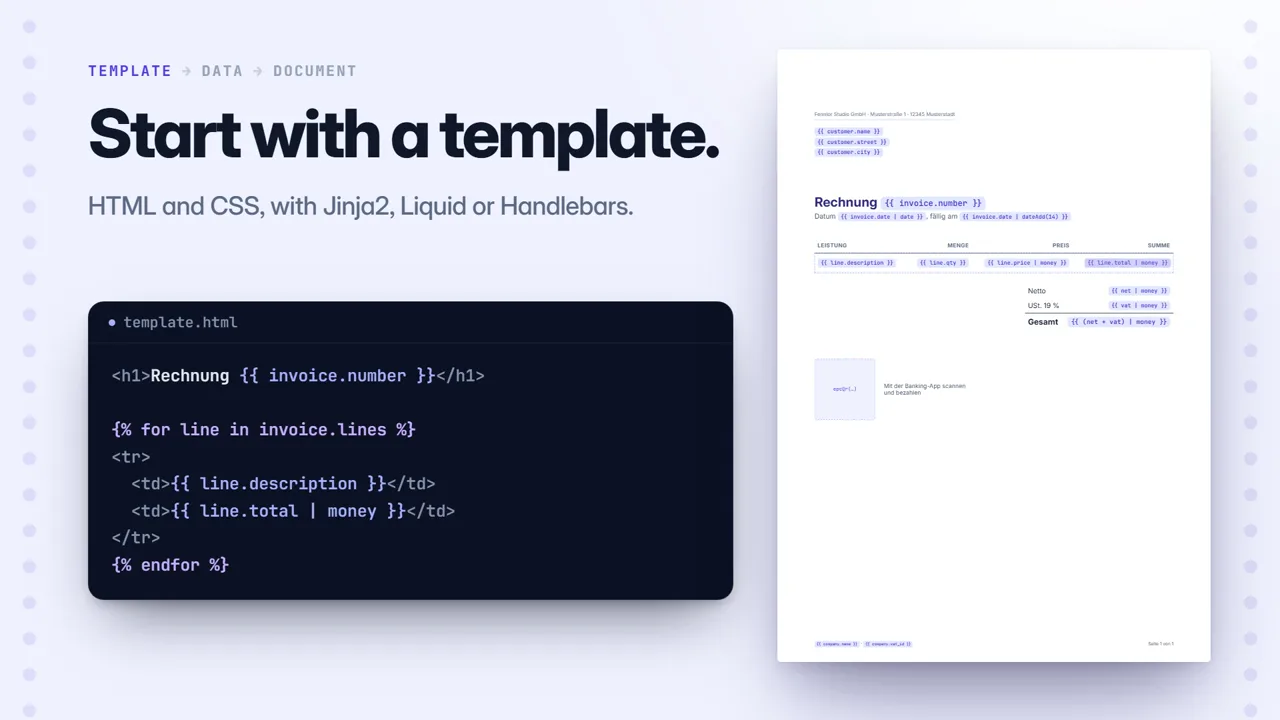
01Start with a template.
HTML and CSS with Jinja2, Liquid or Handlebars, a design on the canvas, or your own Word file with the same tags.
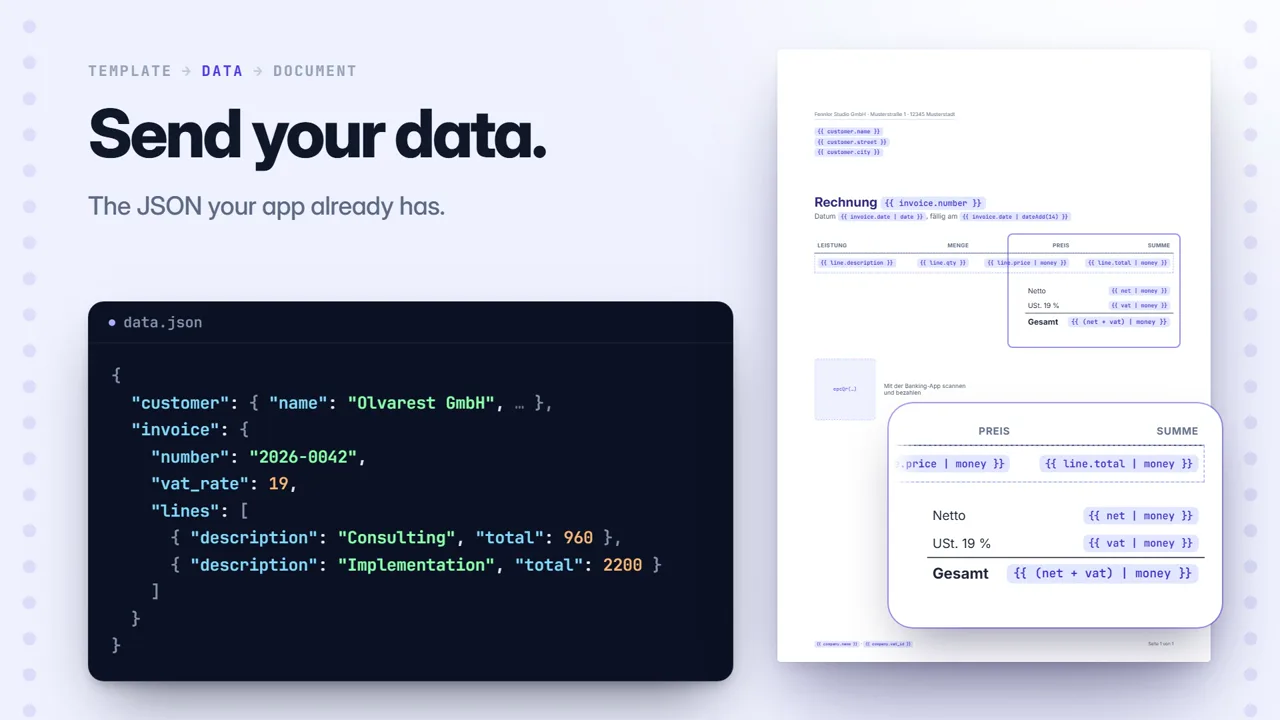
02Send your data.
JSON from your backend, a row of a spreadsheet, a step in Zapier. Totals, dates, page numbers and the payment code are the template’s work.
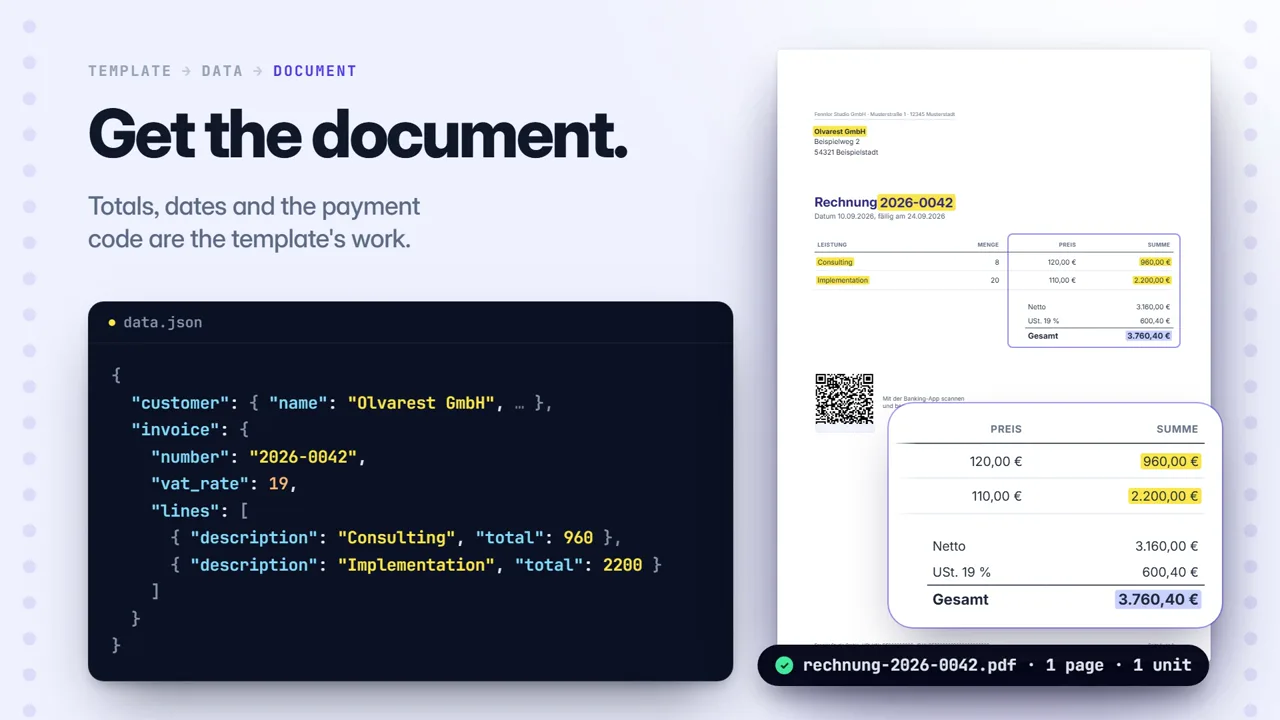
03Get the document.
One request returns the PDF, the image, the Word or PowerPoint file, or a link to it. The same request in eight languages.
import { Formfeed } from '@formfeed/sdk';

const formfeed = new Formfeed({ apiKey: process.env.FORMFEED_API_KEY! });

const render = await formfeed.renders.create({
  template: 'invoice-de',
  data: {
    invoice: {
      number: '2026-0042',
      customer: { name: 'Olvarest GmbH' },
      lines: [{ description: 'Design', qty: 8, price: 120 }],
    },
  },
  output: 'pdf',
});
const pdf = await formfeed.renders.download(render);import os
from formfeed import Formfeed
formfeed = Formfeed(api_key=os.environ["FORMFEED_API_KEY"])
render = formfeed.renders.create(
template="invoice-de",
data={
"invoice": {
"number": "2026-0042",
"customer": {"name": "Olvarest GmbH"},
"lines": [{"description": "Design", "qty": 8, "price": 120}],
}
},
output="pdf",
)
pdf = formfeed.renders.download(render)curl "https://api-eu.formfeed.dev/v1/renders?output=binary" \
-H "Authorization: Bearer ff_live_..." \
-H "Content-Type: application/json" \
-o invoice.pdf \
-d '{"template": "invoice-de", "data": {"invoice": {
"number": "2026-0042",
"customer": {"name": "Olvarest GmbH"},
"lines": [{"description": "Design", "qty": 8, "price": 120}]}}}'npx formfeed templates pull
npx formfeed test # snapshot every data set
npx formfeed render invoice-de --out invoice.pdfclaude mcp add --transport stdio formfeed \
--env FORMFEED_API_KEY=ff_test_... -- npx -y @formfeed/mcp
# "Render invoice 2026-0042 for Olvarest GmbH and give me the link."- 1New row in Google Sheetsor an order, a form entry, a deal
- FFormfeed · Create Documentthe row’s columns fill the template’s fields
- 3Send it by email or save it to DriveZapier · Make · n8n
The film follows invoice 2026-0042 from template to API call, editor, pull request and agent. Understood without sound.
Checked on every render
E-invoices and accessible PDFs, checked before they go out.
When documents leave your systems without anyone looking at them, the checks belong in the render. Formfeed holds every e-invoice to the rules of EN 16931 and to PDF/A-3b, and every PDF/UA-1 file to the machine-checkable rules veraPDF tests, before it delivers the file. A failure names the rule it breaks, and for an e-invoice the field, so your code, workflow or agent can fix it.
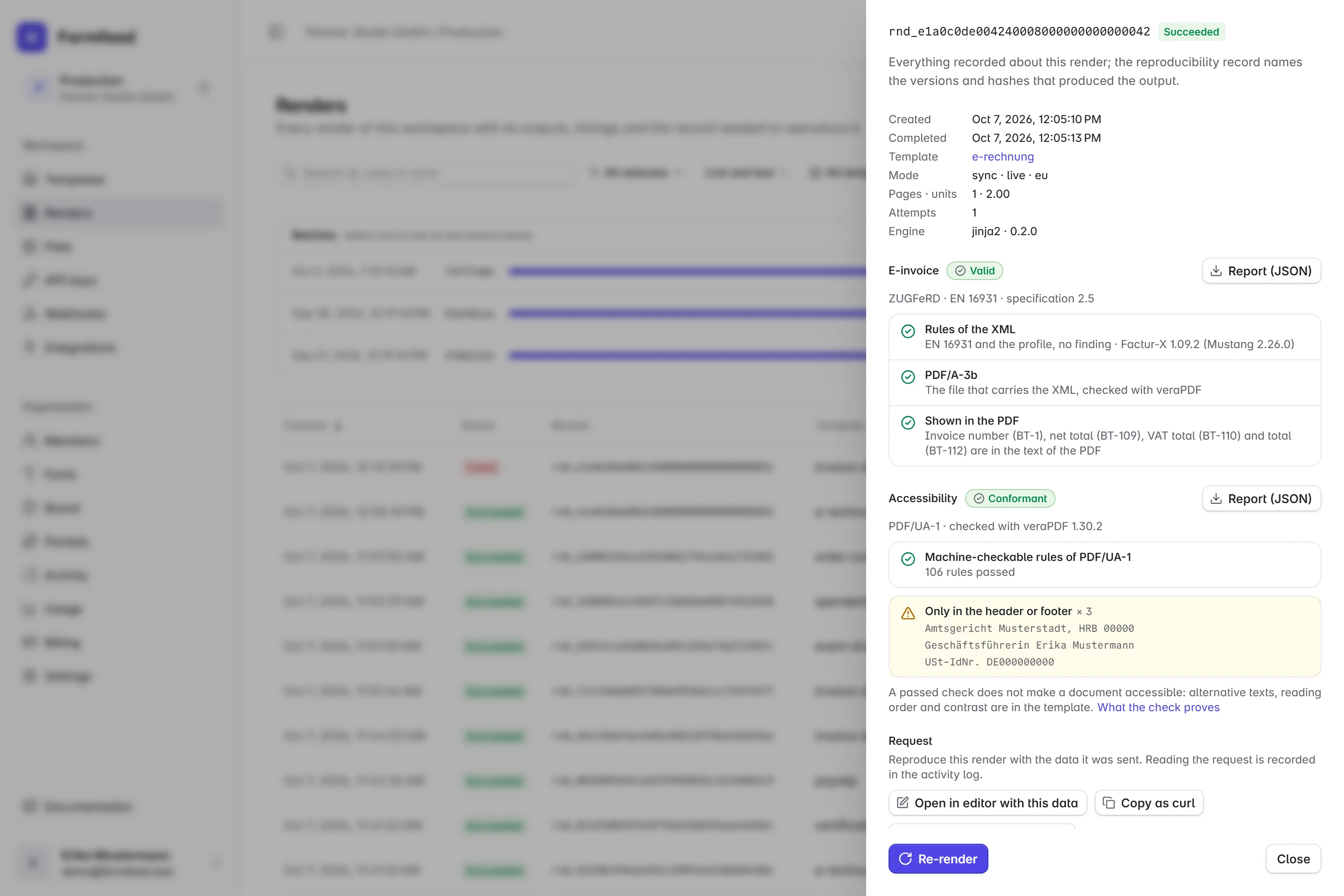
ZUGFeRD / Factur-X
E-invoices
- One template prints the invoice and writes it as XML into the same file: ZUGFeRD 2.5 / Factur-X 1.09, profiles EN 16931 and Basic, as PDF/A-3b. XRechnung is not available.
- Mustang checks the XML against the rules of EN 16931, and the PDF has to show the totals the XML states.
- In n8n and Zapier as a Create E-Invoice step; an agent checks the data with
check_invoicebefore it renders. - Every plan makes test e-invoices with a test mark; live ones start with Starter.
PDF/UA-1
Accessible PDFs
- Switch on
pdf.ua, and the file is tagged for assistive technology, with lists, tables, figures and links repaired where Chromium leaves gaps. - veraPDF checks the machine-checkable rules of PDF/UA-1. In strict mode a file that fails is not delivered, and the verdict comes with every render.
- The editor shows what a template lacks at its tag, before anything is rendered.
- On every plan at no extra unit, and an e-invoice can be a PDF/UA-1 file too.
Issuing e-invoices becomes mandatory in stages: in France since September 2026, in Germany from 2027.
AI agents
Your agent writes the data.Formfeed makes the document.
The MCP server gives Claude, ChatGPT, Cursor and your own agents 8 tools to find a template, read the data it expects, check data and e-invoices for free, and render the PDF or image. Hosted at mcp.formfeed.dev, or run locally with npx -y @formfeed/mcp.
- The agent writes the data; your template keeps the layout.
- A refused e-invoice comes back field by field, so the agent corrects it itself.
- Nothing destructive: no publishing, no deleting, no webhooks.
- Setup guides for 18 clients and frameworks, from Claude Code to LangChain.
Invoice Olvarest GmbH: 8 hours of consulting at €120 and 20 hours of implementation at €110, number 2026-0042.
list_templates
get_template_schema · invoice-de
render · invoice-de · pdf
Here is invoice 2026-0042: one page, €3,760.40 including VAT, with a GiroCode for the transfer.
- list_templates
- get_template_schema
- validate_template
- check_invoice
- render
- convert_to_pdf
- get_render
- get_workspace
claude mcp add --transport http formfeed https://mcp.formfeed.dev/mcp \
  --header "Authorization: Bearer ff_test_..."
Developer experience
Templates in Git, tested like code.
formfeed templates pullputs every template in a folder, andformfeed testsnapshots each data set.- A GitHub Action renders changed templates into the pull request.
- Release channels, canary shares and one-click rollback. With a stored schema, a check stops a release that would break your callers.
- Idempotency keys, signed webhooks, batches of up to 1,000 documents, and a render log that records the template version, the Chromium build and the file’s SHA-256 of every render.
- Switching from another provider? The importer converts what it can and lists what it cannot, line by line.
npx formfeed login                 # approve in the browser
npx formfeed templates pull        # every template as files
npx formfeed test                  # compare approved snapshots
npx formfeed dev invoice-de        # preview with hot reload
npx formfeed types                 # data types for TS and Python
npx formfeed templates push # draft versions from the fileson: pull_request
jobs:
templates:
runs-on: ubuntu-latest
permissions:
contents: read
pull-requests: write # for the preview comment
steps:
- uses: actions/checkout@v4
- uses: formfeed-dev/formfeed-action@v1
with:
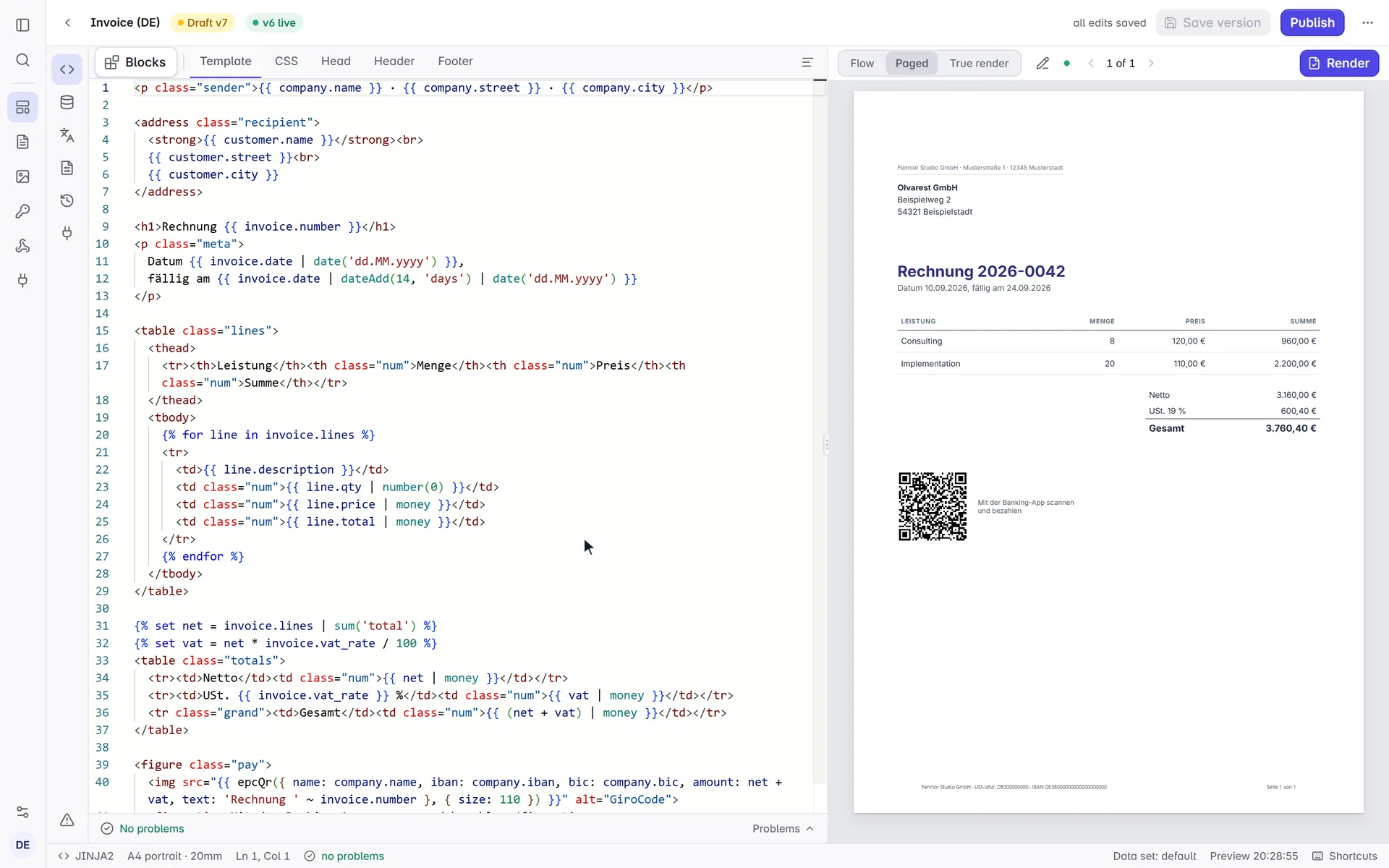
api-key: ${{ secrets.FORMFEED_TEST_KEY }}And an editor that shows the printed page.
Completion from your data while you write, and a paged preview that lays out every page as the PDF prints it: repeated header rows, page numbers and totals included.
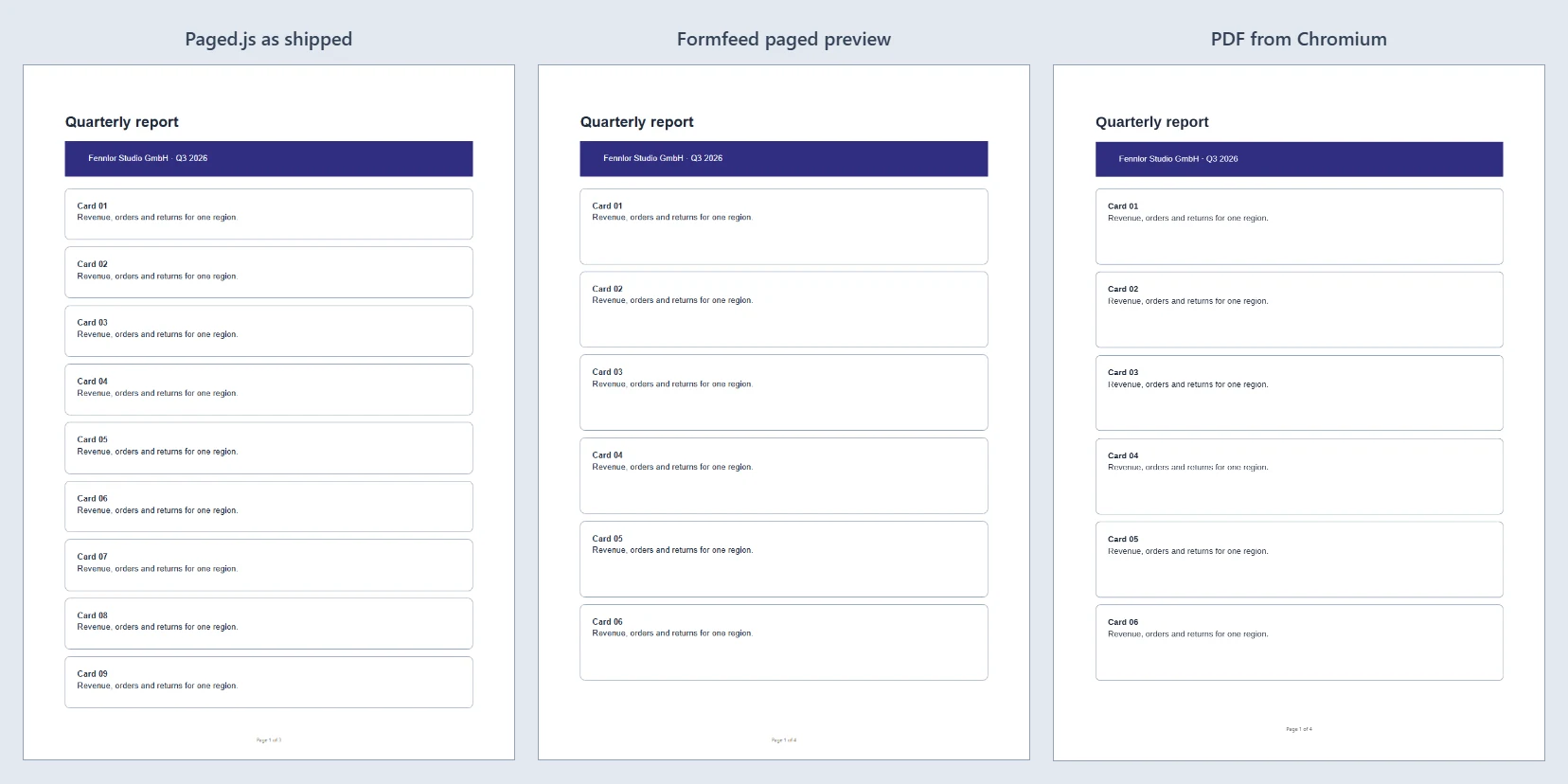
Measured, not claimed.
Page 1 of one report, three times. The usual paged HTML preview (Paged.js as shipped) fits nine cards. Formfeed’s preview fits six, and so does the PDF.
And the 21 tables of our post on page breaks go on to the next page in the preview at the same rows as in the PDF, repeated header rows included.
 How we measured it →
No-code workflows
No code? Connect it.
Zapier, Make, n8n and Power Automate make the document in a step of your workflow, and a spreadsheet becomes up to 1,000 documents in one batch.
- Drop a CSV or Excel file, match its columns to the template’s fields and get one PDF per row, zipped.
- A new row, order or form entry becomes a document, and an invoice becomes an e-invoice.
- Change the wording right in the preview. The layout stays as it was built.
- Images are designed on a canvas: layers bound to your data, a title that shrinks to fit its box.
- Start from 31 ready-made templates: invoices, certificates, letters, tickets, labels.
Do I need to write HTML? Not to use a template, change its words or connect it. Whoever knows HTML and CSS changes the layout.
Integrations →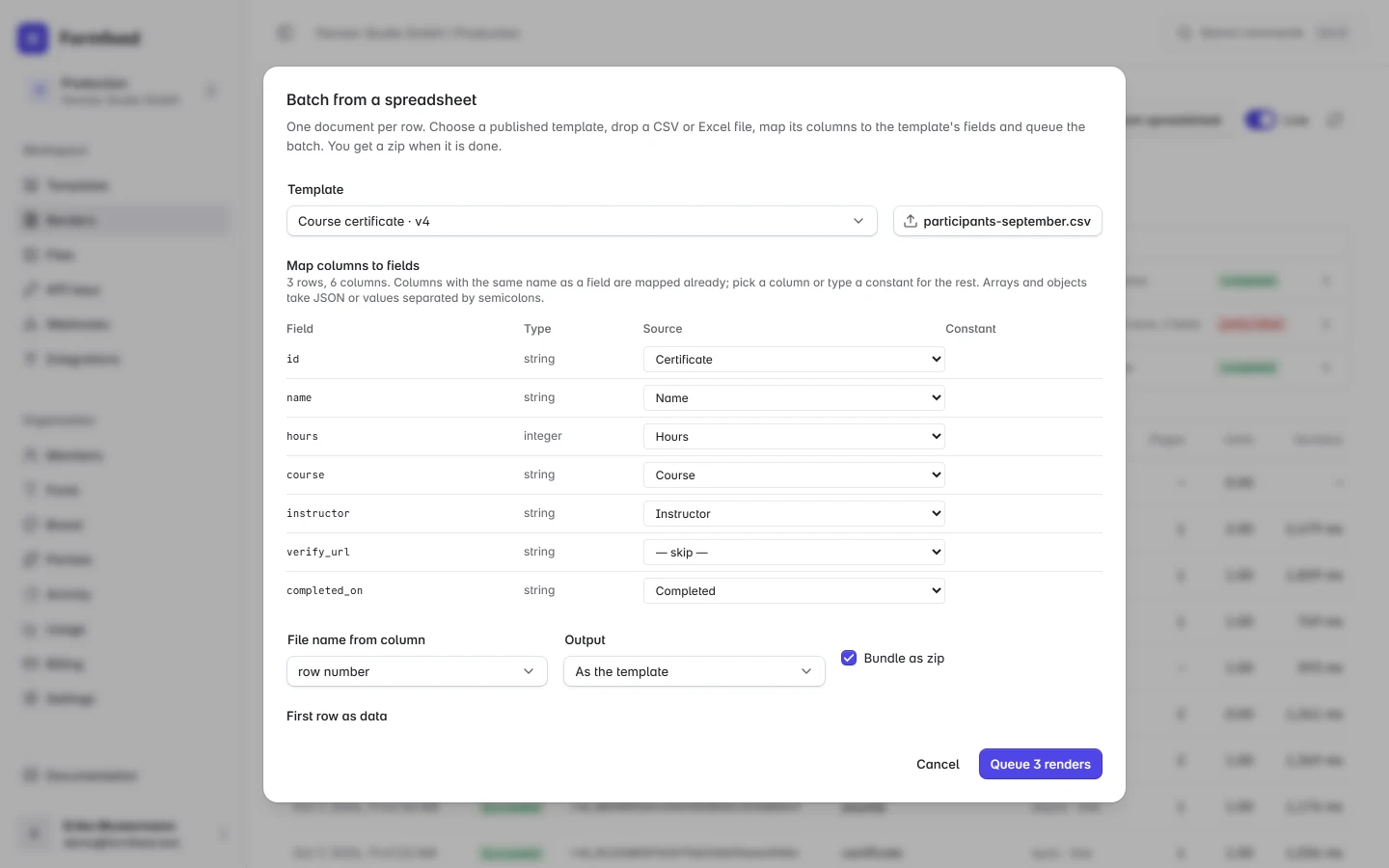
Real output, not mockups.
All 31 examples are rendered by the same render-worker that serves the API. Open one to get its template, data and request.
- E-invoice: ZUGFeRD and Factur-X from one template
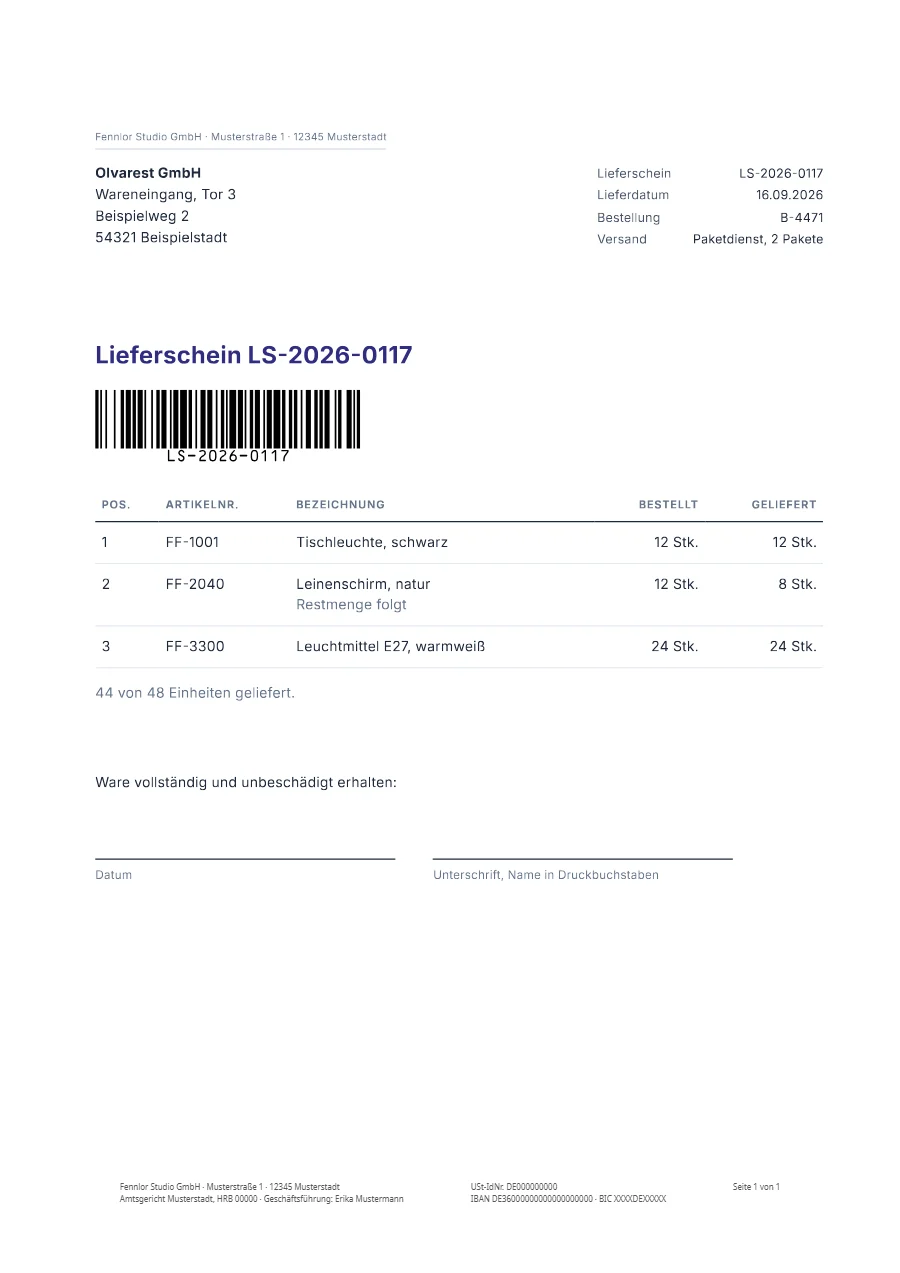 German delivery note (Lieferschein)
 Course certificate in Handlebars
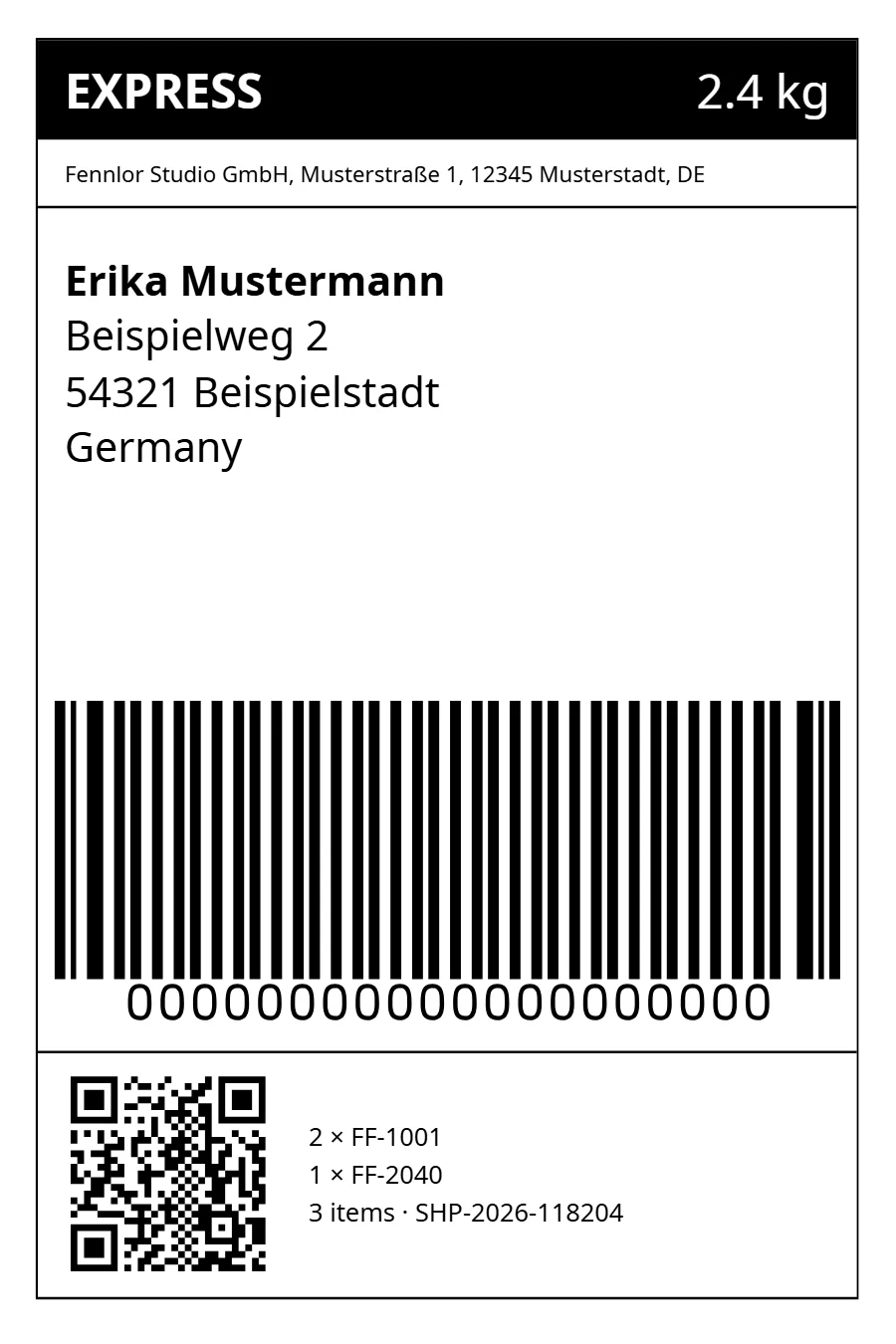 Shipping label, 100×150 mm
 Event ticket with QR code and PDF417
 Report with a chart
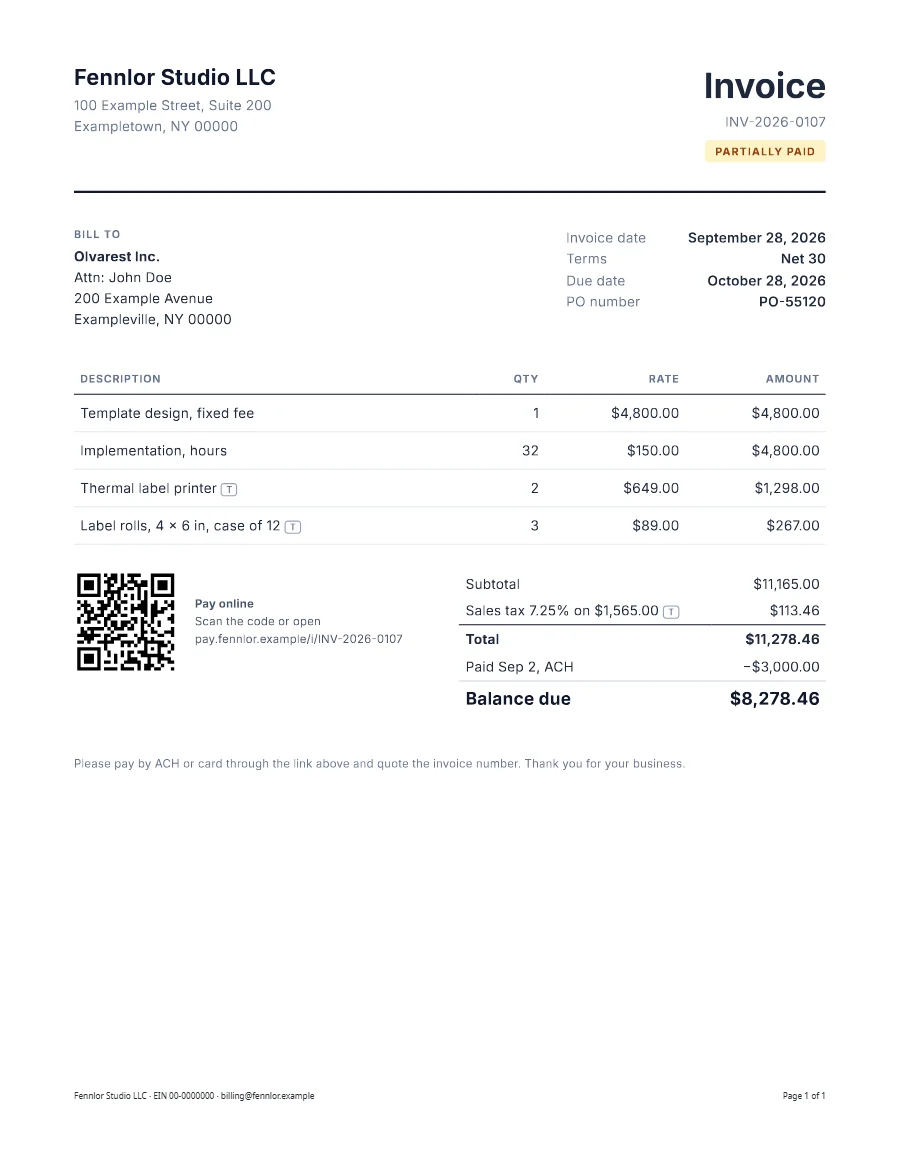 US invoice with sales tax
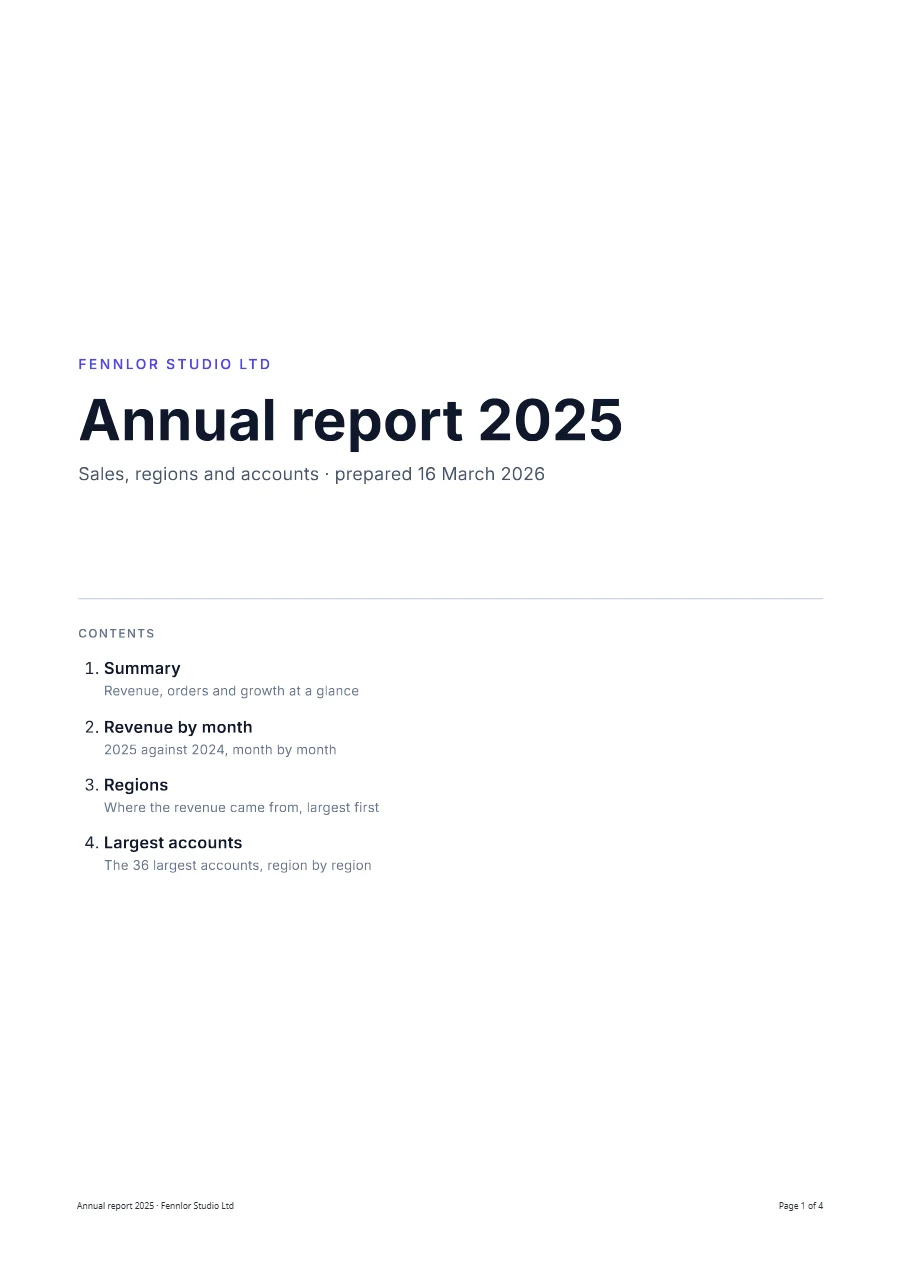 Annual report with contents and bookmarks
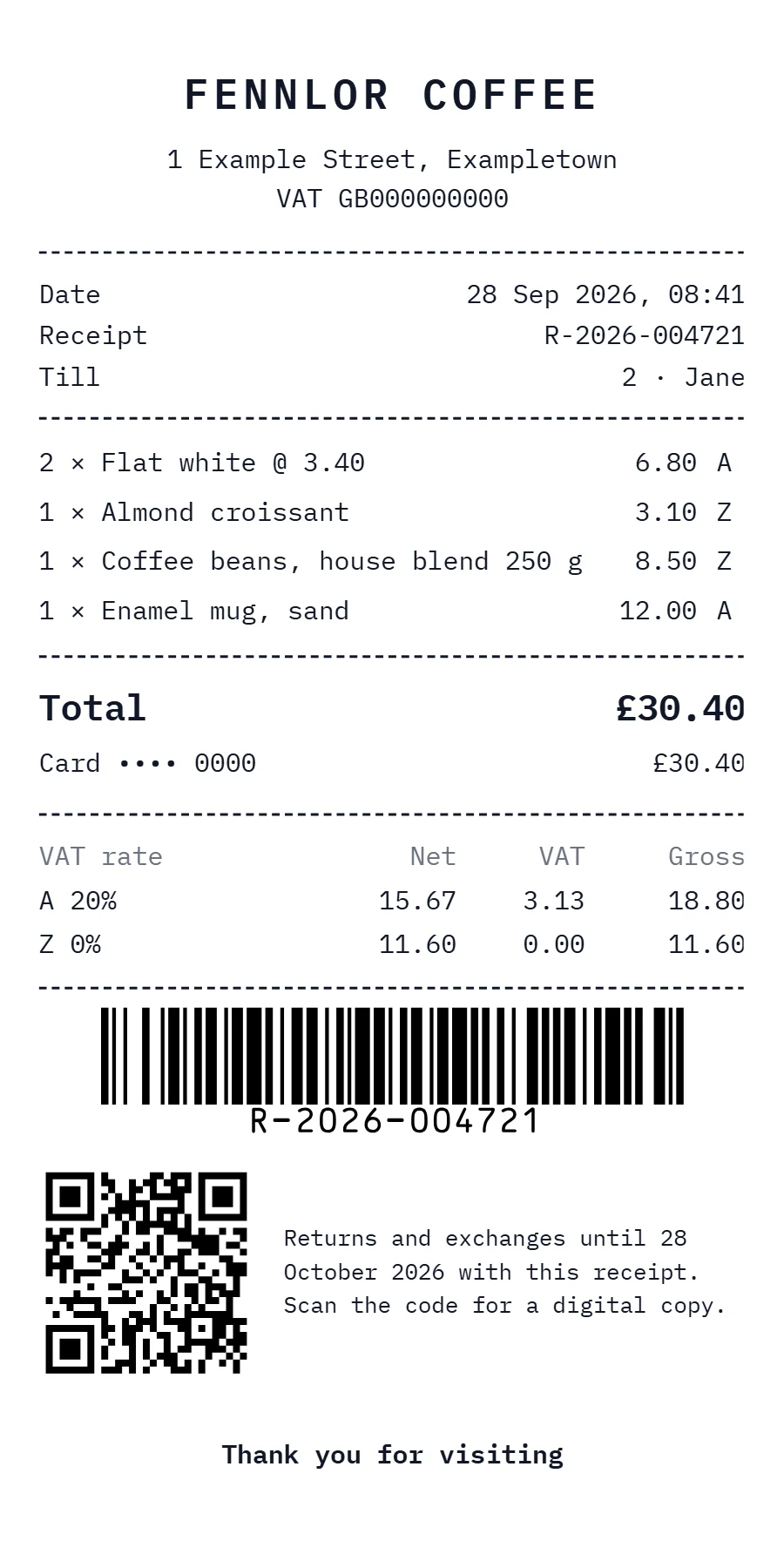 Till receipt on an 80 mm roll
 Open Graph image with Tailwind
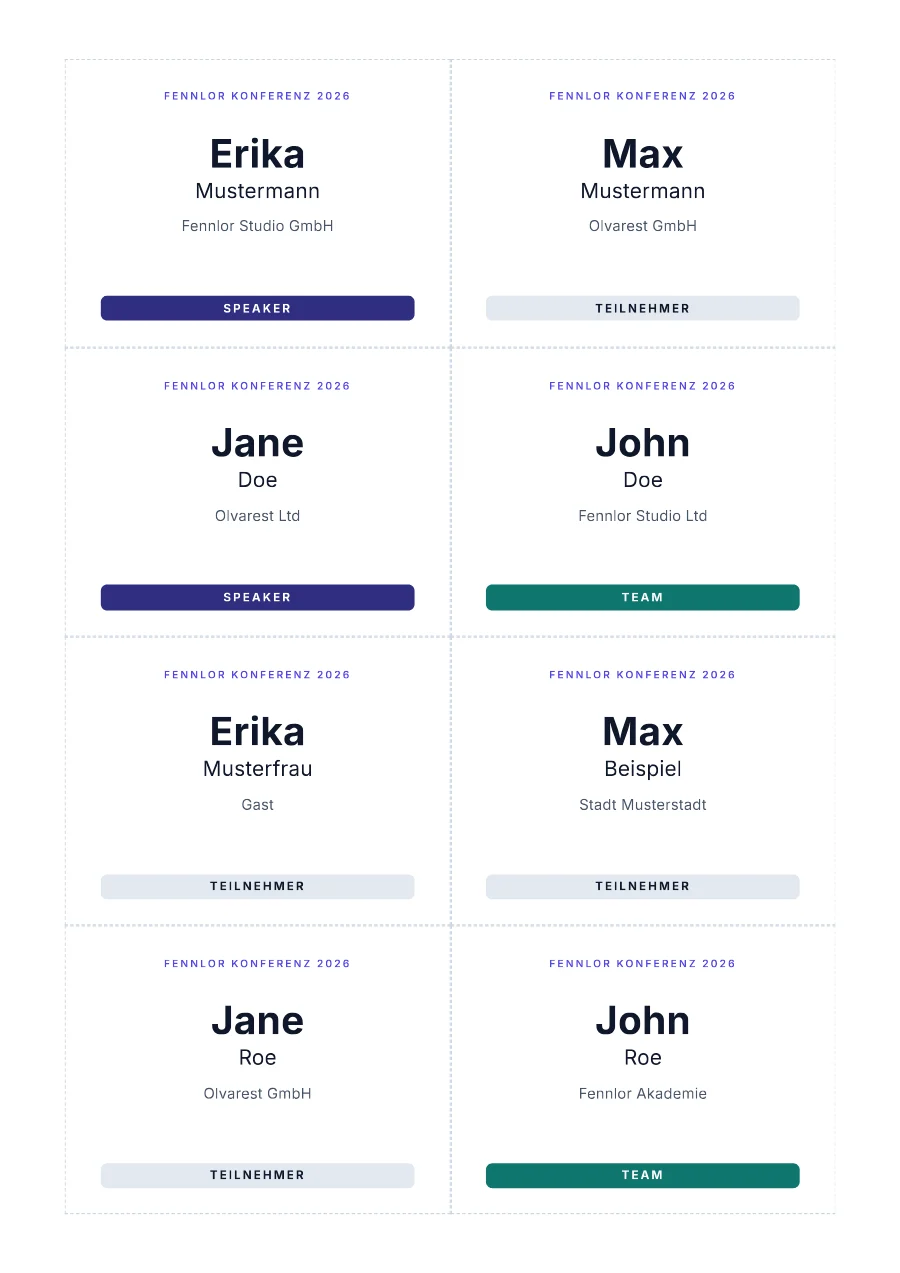 Name badges, eight per A4 sheet
 Review card, 1080×1080
Built forInvoice PDF APICertificate generator APIOpen Graph image APIReport PDF generationContract and agreement PDFsHTML to PDF APIURL to PDF
Your customers’ data
Rendered in Frankfurt. Deleted on schedule.
Invoices, payslips and certificates carry names, addresses and bank details. This is what happens to them.
Your way out is built in
formfeed templates pull copies every template and its data into a folder you keep in Git. The engine that fills them is open source (MIT), and monthly plans end with any billing month.
- Where it runs
- Rendering and the database in Frankfurt; rendered, library and template files stored in the EU. The API gateway runs on Cloudflare’s network and keeps only short-lived caches there. The providers are US companies.
- Request data is not kept
- The JSON you send is used for the render and then dropped, unless your workspace keeps it to reproduce failures. A failed render keeps the page it assembled, data included, for a day.
- Files expire
- Rendered files are deleted when your plan’s retention ends, and you can delete them sooner.
- Encrypted
- TLS on every connection; the database, its backups and the file storage are encrypted at rest.
- Isolated rendering
- Each render runs in its own Chromium context, with no way into private networks.
- Keys and sign-in
- API keys are shown once, stored only as a hash, scoped and revocable; sign-in can ask for a code from an authenticator app.
- DPA under Art. 28 GDPR
- Part of the terms of every paid plan, on request for free workspaces; every sub-processor is named.
- Status in public
- Outages and planned maintenance are published at status.formfeed.dev.
Monthly plans in euros, usage counted in documents.
One unit is a PDF of up to five pages, one image or one Word or PowerPoint file. Test renders are free on every plan.
Free
0 €
100 units per month
- 5 templates
- 20 test e-invoices a day
Starter
19 € per month
3,000 units per month
0.63 cents per included unit
- E-invoices (ZUGFeRD, Factur‑X)
- Word and PowerPoint templates
- Merge, protect and watermark PDFs
- Recommended
Pro
59 € per month
15,000 units per month
0.39 cents per included unit
- Canary releases, 10 channels per template
- Copies to your own S3 or R2 bucket
- Priority queue
Business
179 € per month
60,000 units per month
0.30 cents per included unit
- Unlimited workspaces and members
- Files kept until you delete them
- Businesses only: net prices plus VAT
- Free plan without a credit card
- Monthly plans: cancel at the end of any billing month
Questions before you switch
Anything else: hello@formfeed.dev
Can AI agents use it?
Yes, through the MCP server, hosted at mcp.formfeed.dev or run locally as @formfeed/mcp: in Claude, Cursor, VS Code, Codex, Gemini CLI and other clients, and in frameworks such as LangChain, Mastra or the OpenAI Agents SDK. Or wrap the SDK as a plain tool. AI agents has setup guides for 18 clients and frameworks.
Is XRechnung supported?
Not available. Formfeed makes ZUGFeRD / Factur-X invoices in the profiles EN 16931 and Basic, and German rules name ZUGFeRD from version 2.0.1 beside XRechnung, in every profile but Minimum and Basic WL. E-invoicing has the details.
What does PDF/UA-1 mean here?
A PDF tagged for assistive technology that passes the machine-checkable rules of PDF/UA-1 as veraPDF tests them. Formfeed tags and repairs the file, checks it on every render and writes the PDF/UA identifier only into a file that passed; in strict mode a file that fails is not delivered. Whether the reading order and the alternative texts make sense is no rule a validator can test, so that judgement stays yours. Accessible PDFs says what is checked.
Do I need to write HTML?
Not for images: the visual editor designs them on a canvas (beta, on every plan). PDF templates are HTML and CSS, but you start from building blocks and examples, and the people who own the wording change it right in the preview. Word and PowerPoint files you already have can be templates too.
What counts as a unit?
A PDF of up to five pages, an image, or a Word or PowerPoint file. Every further five pages of a PDF add a unit, so a 12-page report is three, and an e-invoice adds one. Test renders do not count. See pricing.
Do my templates from another provider work?
Yes. The importer keeps their template language, converts what differs where it can and reports everything it cannot map with its line, and for one provider a compatibility endpoint accepts the requests you already send while you switch. The documentation has a migration guide for each.
Where is my data processed?
In the EU: rendering and the database run in Frankfurt, and rendered files are stored in the EU. The data you send is not kept after the render unless your workspace turns that on, except that a failed render keeps the page it assembled for 24 hours; outputs expire according to your plan, and you can delete them earlier. A copy leaves the EU only when you configure a bucket of your own as a destination.
Can we take our templates with us?
Yes. Templates are HTML and CSS with Jinja2, Liquid or Handlebars, and formfeed templates pull copies them with their data sets into a folder you can keep in Git. The engine that fills them is open source under the MIT licence, and monthly plans can be cancelled at the end of any billing month.
What is Formfeed?
An API that turns templates and JSON into PDFs, images, Word and PowerPoint files, ZUGFeRD e-invoices and PDF/UA-1 files. Templates are HTML and CSS with Jinja2, Liquid or Handlebars, images designed on a canvas, or your own Word and PowerPoint files. You call it from code (SDKs, REST, the CLI), from AI agents over MCP, or from Zapier, Make and n8n, and you write templates in a browser editor or as files in Git.
Your next invoice could be an API call.
Start on the free plan: 100 documents a month, free test renders, no credit card.